Bridging the Gap: Why AI in Architecture Needs More Than Just a Pretty Picture
Bridging the Gap: Why AI in Architecture Needs More Than Just a Pretty Picture
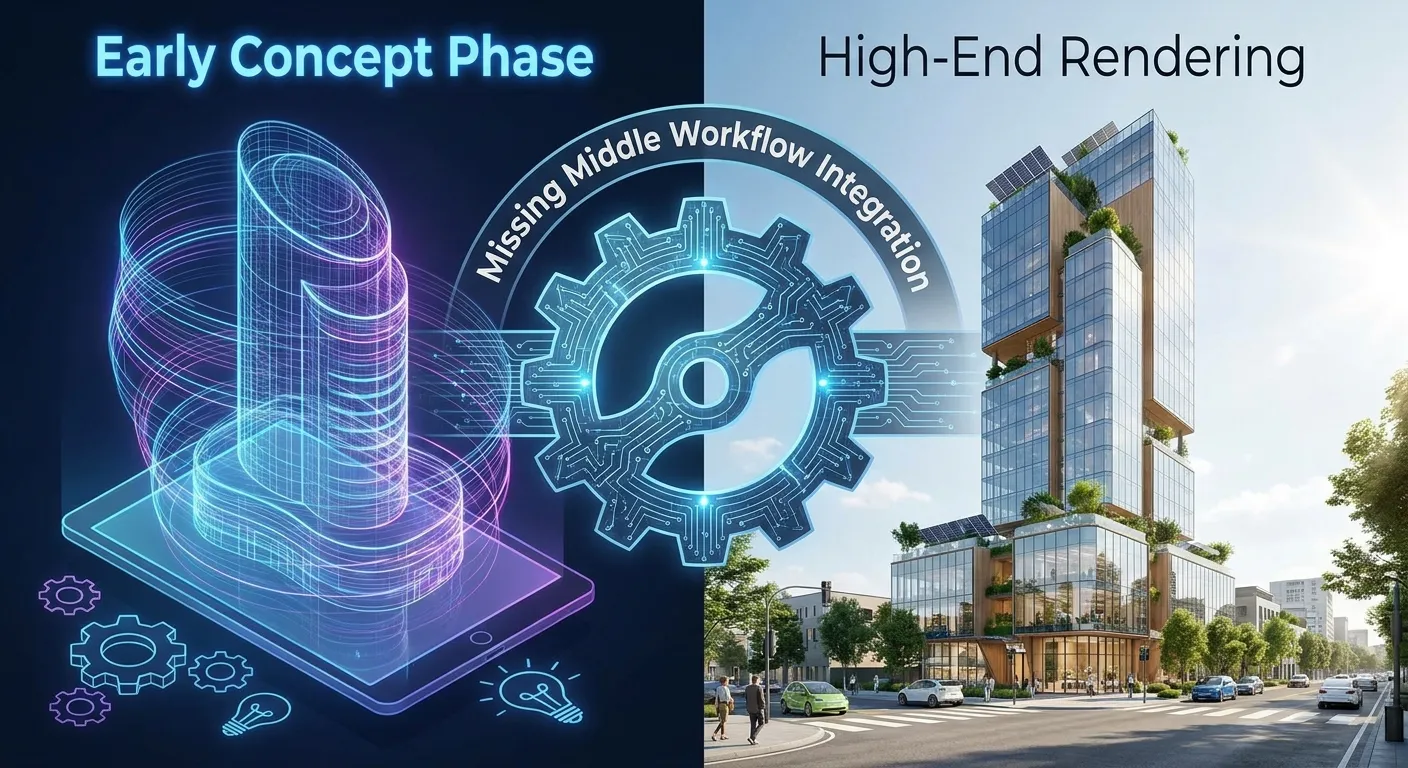
The architecture industry is in the midst of a digital transformation driven by the rapid development of artificial intelligence. We are currently witnessing genuine euphoria when it comes to generating impressive building designs in a matter of seconds. Yet, despite the excitement surrounding these technological capabilities, a closer look reveals a critical gap in the process: we have mastered the "what" (the initial idea) and the "how" (the visual representation), but we are neglecting the "by what means"—the complex design process in between.
The current buzzword among experts is the "Missing Middle." In this article, we analyze why this phenomenon is crucial for the future of your firm and how a true integration of AI and architectural rendering can be achieved.
Disclosure: This article comes from the team behind VisioPlan. We build tools for this part of the process ourselves and are therefore not neutral - research as of: May 2026.
AI in Architecture: The Current State of Innovation
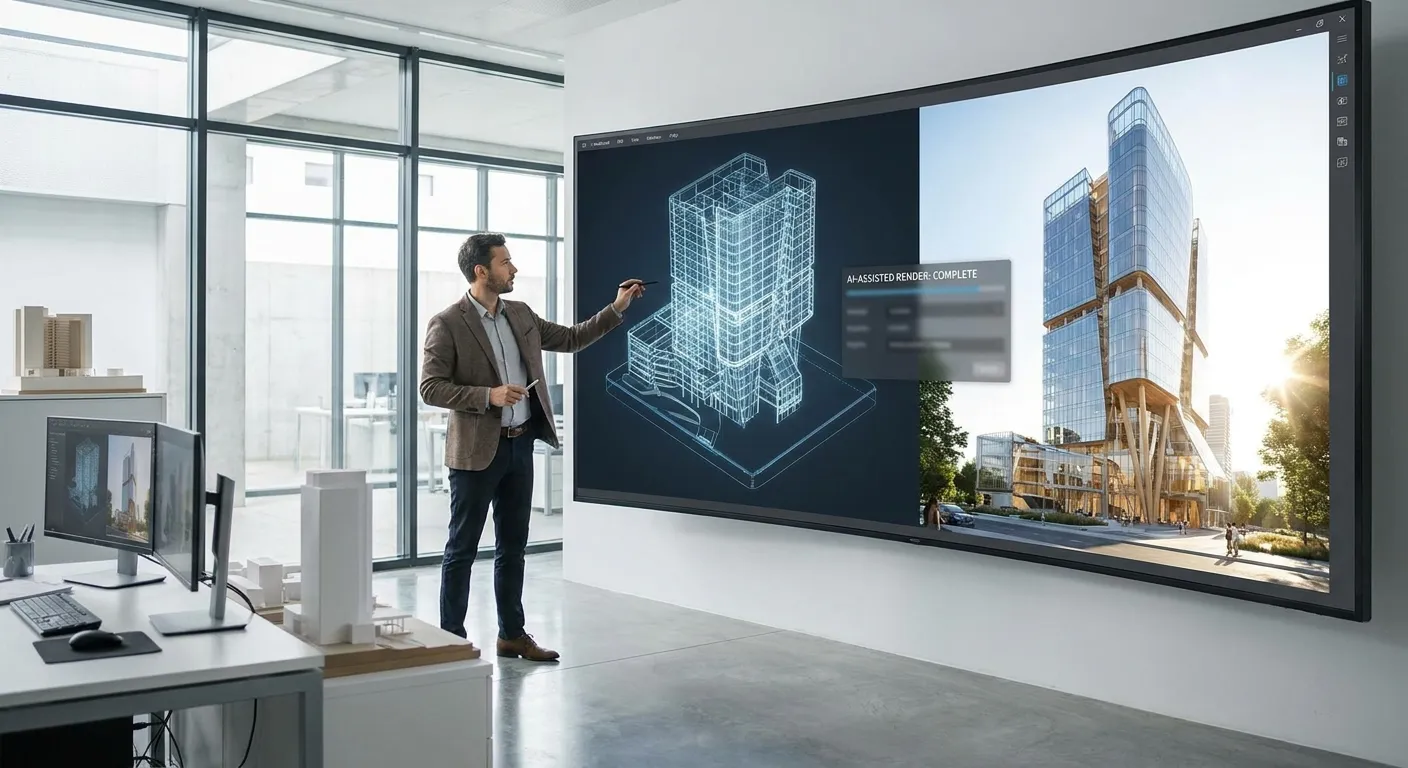
If you look at the current AI tools available to architects, a clear pattern emerges. Which tools are on the market at all, and how they differ, is set out in our comparison of ten AI rendering tools. Their strengths lie almost exclusively at the two ends of the value chain:
- Massing and Conceptual Phase: AI algorithms are excellent at creating countless variations for building volumes, site adaptation, or facade design during the early stages. They act as creative sparring partners.
- Visualization: The quality of the output—the final architectural rendering—has now reached photorealistic levels that would have required days of computing time and manual work by specialists only a few years ago. How that leap works technically is explained in our guide to AI architectural rendering.
However, there is a dangerous gap in between. The "Missing Middle" encompasses detailed planning, compliance with standards, the logical connection of building components, and design consistency. If an AI tool provides an idea at the beginning and a glossy image at the end, the question remains: What happens when the plans need to be adjusted?
The Problem with the "Missing Middle": Control vs. Illusion
For many architects, the current state of technology is a double-edged sword. While an AI-generated architectural rendering may look impressive, it often lacks a direct link to the CAD model. It is akin to looking at a beautiful painting of a building that, in reality, has no structural foundation.
This deficit is not purely an AI problem; it is a workflow problem. In practice at VisioPlan Solutions, we observe that the added value of technology only emerges when the transition between design and visualization functions seamlessly. Those who focus solely on the optical brilliance of AI today lose control over the actual design process. If the image does not match the technical requirements 100 percent, the AI becomes a time-sink rather than an efficiency booster.
How to Integrate AI into Your Workflow
How can architectural firms close this gap? The key lies in process integration:
- Data Continuity: Rely on tools that create a bidirectional connection between your BIM model and the AI-supported rendering engine. An architectural rendering should never be an isolated image product, but rather a visual extract of your current data. How close that coupling can get is shown by the Google Viewer, which brings a design and its real site context together directly in the browser.
- Critical Distance: Use AI as a tool for iteration, not for decision-making. The AI provides options; the architect remains the curator.
- Process Orientation: When implementing new software, do not ask, "How beautiful is the image?" Instead, ask, "How easily can my design be transferred to this tool and synchronized when changes are made?"
Frequently asked questions about the "missing middle" in architecture
What does "missing middle" mean in the context of AI in architecture?
The gap between the early conceptual phase, where AI generates variants, and the final rendering. What sits in between is the actual design work: standards, component logic and the consistency of the design. That is precisely where most tools still do not reach.
Why is a photorealistic AI rendering not enough on its own?
Because it is produced without a link to the CAD model. When the design changes, the image cannot follow; it has to be generated again — and may then no longer match the design.
How do I tell whether an AI tool fits my workflow?
By the direction the data flows, not by image quality. The decisive question is not how good the result looks, but how the design gets into the tool and what happens when something changes.
Does AI replace the design decision?
No. The AI supplies options; the selection stays with the architect. Handing over the decision means losing control of the process without gaining any time.
Conclusion: Bridging the Divide
The hype surrounding AI must not cloud our view of reality. The true challenge—and the greatest lever for the competitiveness of architectural firms—lies precisely in the "Missing Middle." If we succeed in closing the gap between conceptual freedom and precise technical execution, AI will evolve from a gimmick into an indispensable tool for the entire lifecycle of a construction project.
At VisioPlan Solutions, we work continuously to design these interfaces in a way that allows you, the architect, to maintain full control—without sacrificing the technological edge. Let us work together to ensure your workflow is as precise as your designs.